
Software Solution for Industrial AM
Streamlined & Intuitive Solutions
Truly Open Parameters
The featured “Parameter Editor” is included in the software package offering users full access to a list of standard material config files ready for series production, and capacity of tuning customized parameters from third party metal & plastic materials. Other highlighted added-on value for experienced users including the advanced scan strategy module enable an optimal process control of specific materials.
Real-time monitoring & quality control
Designed for medium to large frame metal platforms, the advanced PBF monitoring system records re-coating & sintering process of each layer; the real-time visual detection system analyzes recoating flaws & defects, and feed simultaneously back to MakeStarTM for compensate operation during the next layer.
Process Documentation
Standard with all Farsoon AM machines, Farsoon LogView enables the recording and viewing of the key processing data during the build process, offering important documentation for industrial series production or material development.
Production-ready & Ease of use.
The Farsoon software packages enables excellent usability and consistent workflow when it comes to production. Once the desired processing is established, the user is able to enter the production mode features an intuitive interface for easy daily operation.
Application Support
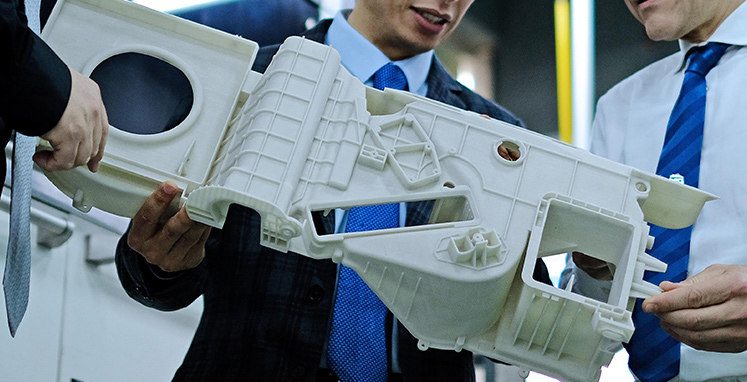
Processing Development
Besides the increasing production-ready processing parameters covering many engineering materials, our application engineers are able to work closely with industrial customers to customize a wide range of parameters for specific materials and application needs. Different combination of heat treatment and specific processing solutions can also be explored for improved mechanical performance of the parts.

Benchmark Production
Farsoon’s application engineers are ready to support your benchmarking request with the highest industry quality standards. With a profound know-how in material science, processing development, Design for additive and quality control, Farsoon will work side by side with customers to find the best suited solution to achieve their manufacturing goals.
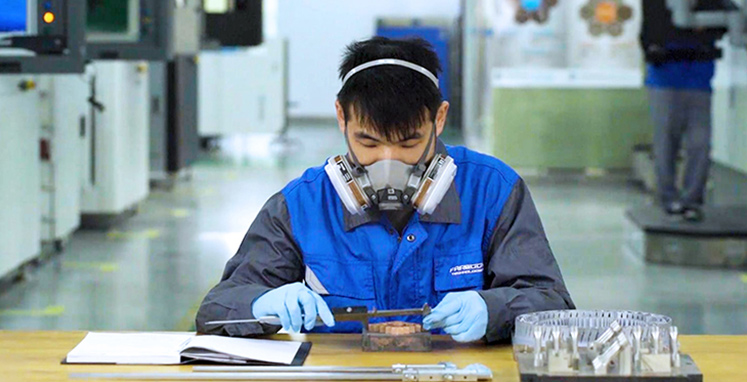
Testing & Qualification
Equipped with comprehensive material testing devices and an established qualification workflow, Farsoon is ready to support customers on material qualification and part assessment report including strength, fatigue, composition, metallography, 3D-surface topography, etc.
Training Programs
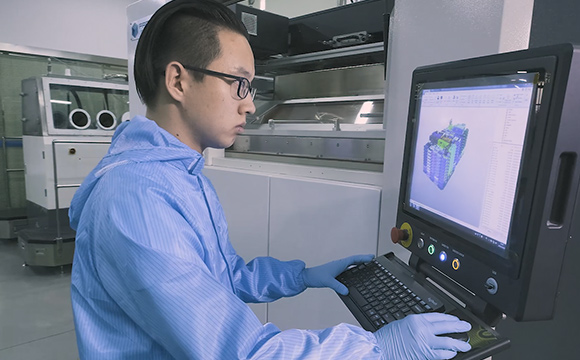
Machine Operation Training
Farsoon provides a variety of standard and customized training courses for the safe and efficient operation of our plastic and metal systems. After the completion of the course, the user will be able to operate the Farsoon system independently from build job preparation to part extraction, as well as managing all cleaning, technical routine and manufacturing process.
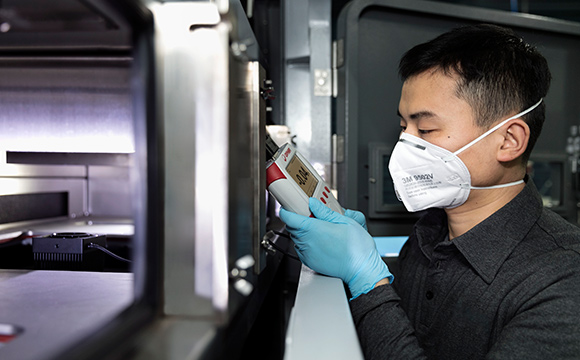
Tailored Maintenance Training
As a more advanced training session beyond the basic operation level, the maintenance training can be tailored for specialized projects or management inquiries. Our training experts will walk you through important maintenance routines of the system including optics, thermal control, mechanics, etc. Upon completion of the training, the user will be able to identify & trouble shooting the system at a longer maintenance interval.
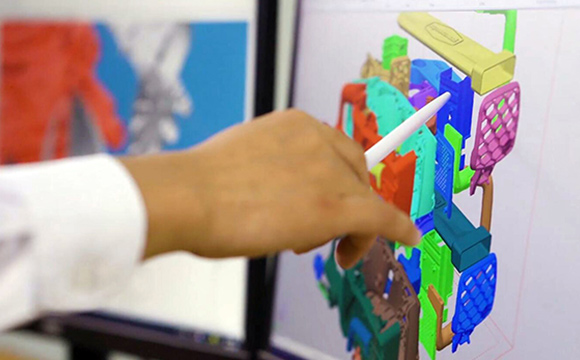
Software Training
Thanks to the software package come standard with all Farsoon machines, the users are able to receive comprehensive software training at the same time. The participants will be given a streamlined instruction from the model preparation, parameter setting, process control, real-time monitoring to data documentation; as well as many valuable integrated tools and modules.
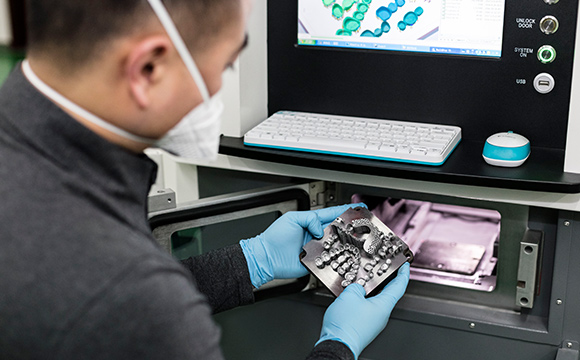
Application Training
This advanced training session is well designated to help customers build up insights and strategies for their projects towards targeted industries and applications. Our training experts will share the knowledge from theory to practice; to illustrate the influence of main processing parameters and post processing on the geometry, productivity and mechanical performance.
Machine Service Solutions
Operated and managed by experienced AM field service engineers around the globe, our service team is dedicated to offer customers best-in-class support possible ensuring the ultimate performance of Farsoon system. With continuous investment in customer-centric machine service and support infrastructure, Farsoon has been growing its technician team to offer effective and local machine maintenance, inventories as well as the value-added service packages tailored for customers’ needs.
Diverse Machine Care Options
Farsoon is proud to offer different levels of service packages that best suit any customer’s needs: from site assessment, installation, acceptance tests, certification, spare parts, consumables, troubleshooting & repair to preventative maintenance. We are also happy to assist customers with support upgrades and specific needs past the warranty.
Tailored Services Available
With many years working with world-class manufacturers, service bureaus and industry leaders, Farsoon service team is experienced in offering the best tailored service & technical support according to specific requirements and maximum ROI. Our experts will offer the right support to ensure your system deliver consistent productivity & quality parts.
Innovative, Customer-centric Service Solutions
Time and quality are our priorities – Our service experts are there for you. Quick diagnosis and communications are available via remote support. For multiple system installation customers, innovative service plans like on-site inventories are available equipped with important consumable parts for improved operational management.